FlaskTrack API
The FlaskTrack API provides organization-scoped JSON access for approved integrations.
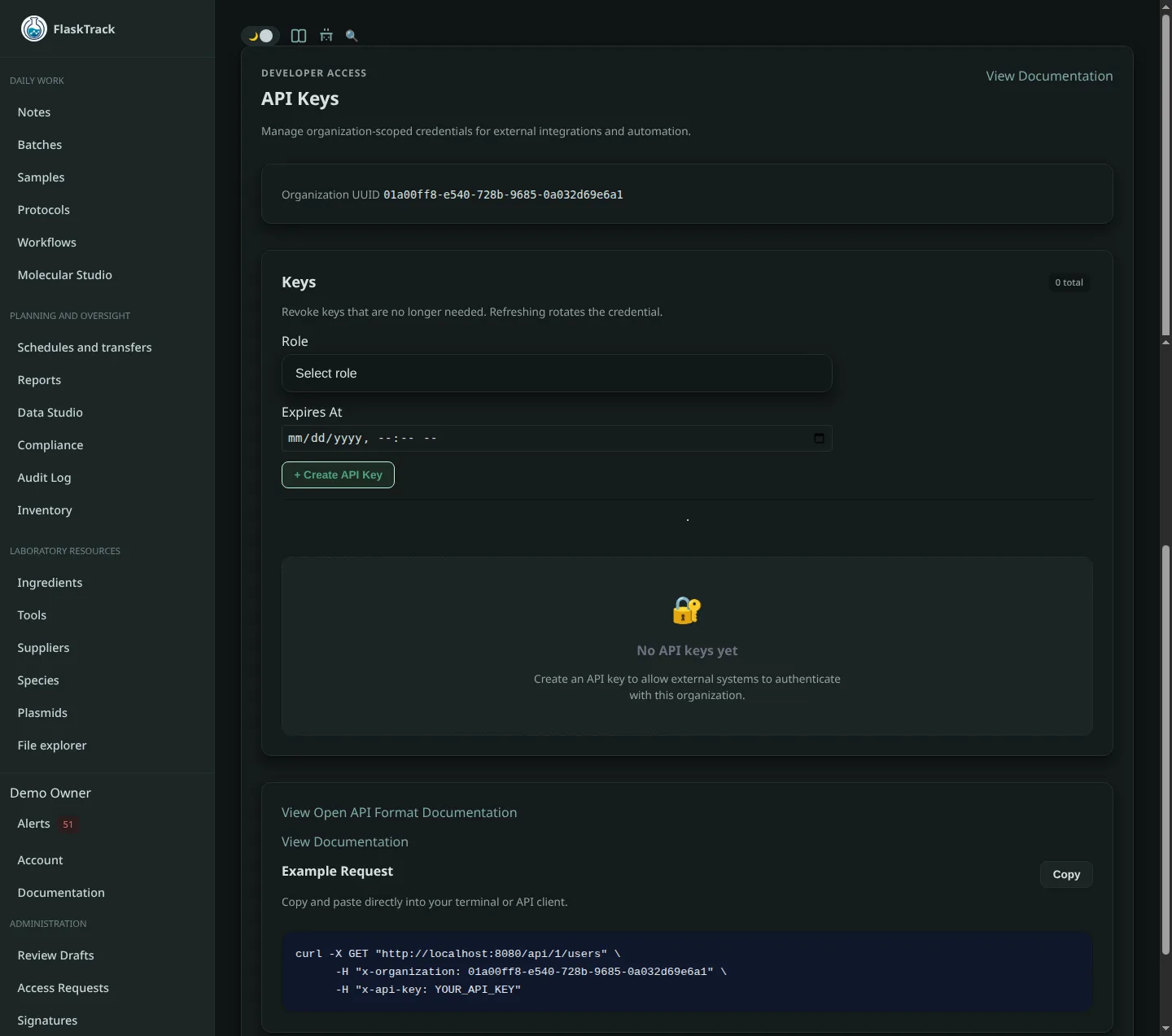
The interactive OpenAPI document exposed by your deployment is the source of truth for exact API paths, request schemas, and response fields.
FlaskTrack also exposes a registered tool interface for AI agents and other dynamic automation clients.
Authentication
API-key requests use both headers:
Never place API keys in source control, browser code, prompts, screenshots, or shared shell history.
Base API path
Production API resources use the versioned base path:
Self-hosted deployments use their configured FlaskTrack origin.
Core resources
The API surface can include organization-authorized operations for:
- users;
- species;
- ingredients;
- tools;
- plasmids;
- protocols;
- workflows;
- batches;
- samples;
- schedules and execution events;
- reports;
- enabled instrument, molecular, validation, and automation modules.
The deployed OpenAPI schema remains authoritative.
Example request
curl --fail-with-body \
  --header "x-api-key: $FLASKTRACK_API_KEY" \
  --header "x-organization: $FLASKTRACK_ORGANIZATION" \
  --header "accept: application/json" \
  "https://flasktrack.com/api/1/species"
Example create request
curl --fail-with-body \
  --request POST \
  --header "x-api-key: $FLASKTRACK_API_KEY" \
  --header "x-organization: $FLASKTRACK_ORGANIZATION" \
  --header "content-type: application/json" \
  --data '{"name":"Example species","domain":"tissue_culture"}' \
  "https://flasktrack.com/api/1/species"
Use the OpenAPI schema for required fields. The example is illustrative and may not satisfy every deployment rule.
AI-agent tool interface
External agents can use FlaskTrack's MCP-style registry instead of hard-coding individual API routes.
Discovery can include:
Tool review and execution use:
See External AI agents and MCP tool calling.
Prepare versus call
/mcp/prepare validates and previews a registered tool operation without executing it.
/mcp/call executes one registered tool using concrete, schema-valid input.
For direct integrations, use the concrete output from a completed operation when a later operation depends on the newly created record.
Example:
The built-in Digital Lab Assistant has a separate server-managed plan mechanism for reviewing dependent actions before execution.
See AI action plans.
Errors and rate limits
Handle standard HTTP statuses, including:
400— malformed or unsupported request;401— authentication required or invalid;403— authenticated but not permitted;404— resource or tool not found;409— conflict with current state;422— schema or validation failure;429— rate limit reached;5xx— server or upstream failure.
Back off after 429.
Do not retry a 422 unchanged.
Use idempotency or application-level deduplication when automating create or finalize operations where applicable.
Safe integration practice
- Create a separate credential per integration.
- Grant only the required organization access.
- Validate identifiers before modifying records.
- Treat FlaskTrack record types as distinct even when they use UUIDs.
- Log request correlation data without logging secrets.
- Treat finalize, approve, release, archive, delete, and signature-related operations as high impact.
- Test against a non-production organization first.
- Never use an API or agent call to bypass a compliance or electronic-signature requirement.