Batch detail
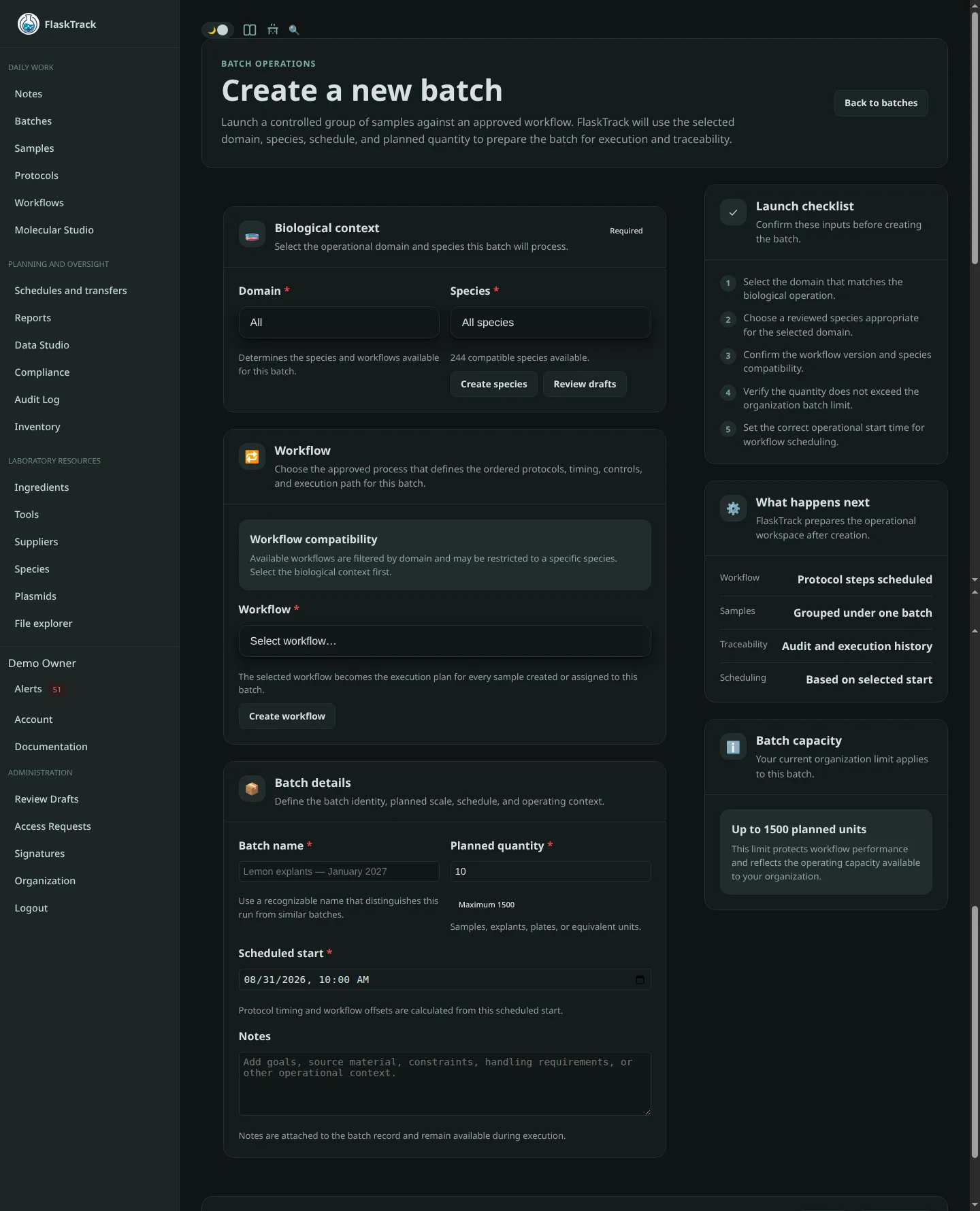
A batch is one scheduled execution of a selected workflow version. It coordinates grouped laboratory work and preserves the operational context used for that run.
Header and status
The batch header identifies the batch, workflow, species or domain context, planned quantity, schedule, owner, and current lifecycle state. Use a name that remains understandable in exports and audit reviews.
Workflow snapshot
Creating a batch generates execution records from the selected workflow and protocol versions. Later edits to the source definitions should not silently rewrite the procedure already instantiated for the batch.
Protocol schedule
The schedule shows each workflow protocol and its planned start based on the batch start and configured protocol offsets. Step timing may create upcoming, active, or overdue alerts.
Samples
A batch may contain or create multiple samples. Each sample retains its own identity and history while remaining linked to the shared batch context.
Execute steps
Open the current step to review instructions, requirements, timing, files, forms, and compliance controls. Before completion:
- verify the correct batch and step;
- confirm required tools and materials;
- complete required form fields;
- attach evidence when required;
- review inventory effects;
- provide a reason or electronic signature when prompted.
Completion creates an execution record and may consume or reserve inventory. A failed completion must not be treated as successful.
Files, timeline, and audit
Files attached to the batch support evidence, observations, release documentation, and investigation. The timeline and audit trail help reconstruct significant actions, state changes, and associated users.
Closeout and release
Before closing or releasing a batch, review incomplete steps, unresolved alerts, sample outcomes, inventory discrepancies, compliance events, attached evidence, and required approvals. Release actions may require an electronic signature.