Configure instrument connectors
A connector defines how data reaches FlaskTrack from an instrument.
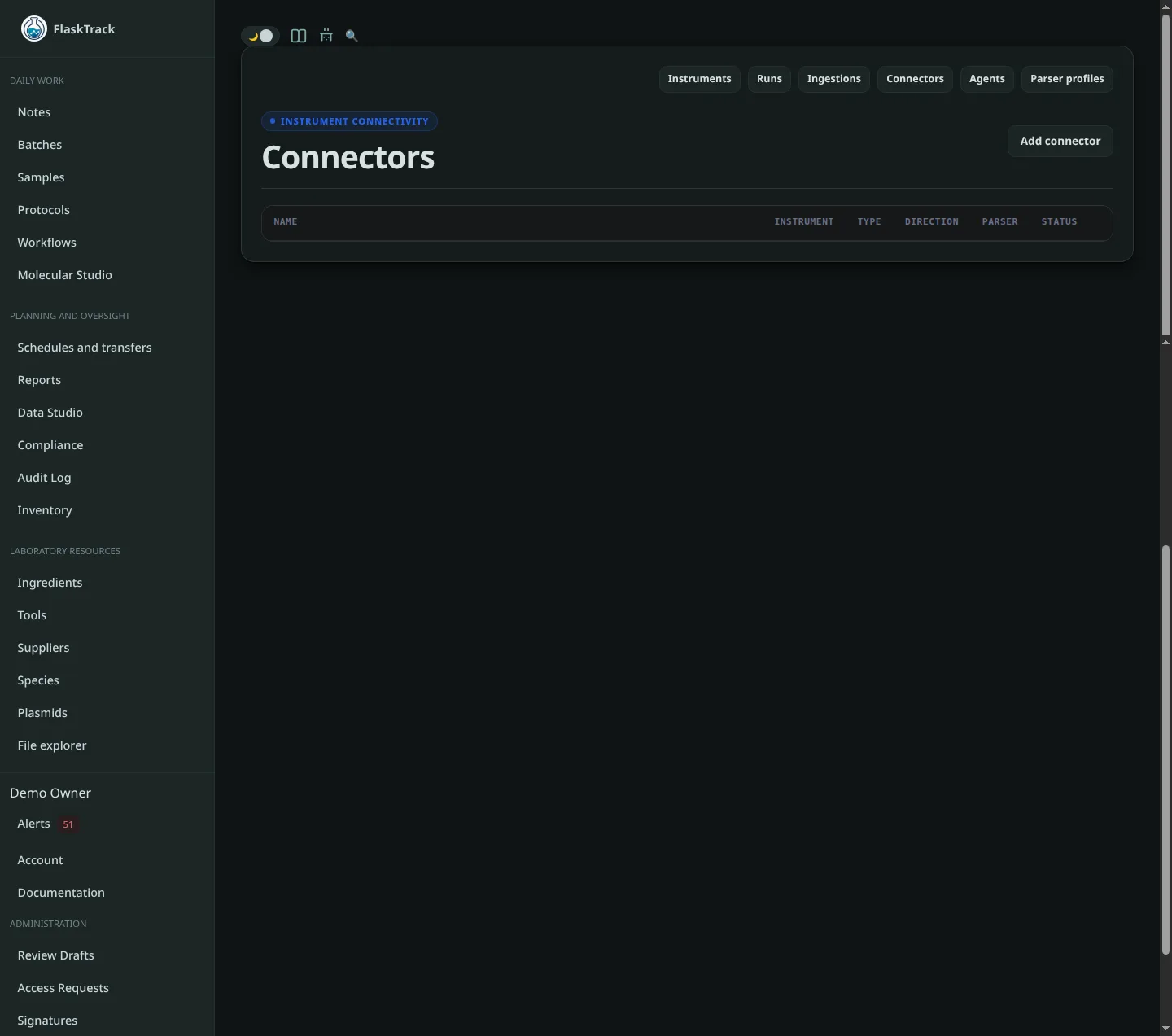
For a cloud-hosted deployment, local file paths and private vendor URLs are reached by the assigned Instrument Agent, not by the FlaskTrack cloud server.
Connector fields
Instrument
Select the physical FlaskTrack instrument represented by the connector.
A connector may also be shared where your deployment allows it, but assigning the physical instrument is recommended when the source represents one device.
Instrument Agent
Select the machine inside the laboratory that can access the local folder, network share, or vendor-local API.
Example:
Connector type
FlaskTrack defines connector types including Manual upload, File watcher, REST API, Vendor API, SFTP, Network share, Serial, MQTT, Opentrons, Chromeleon SDK, and Custom.
The standalone FlaskTrack Instrument Agent currently focuses on these local/edge connector types:
- File watcher;
- Network share;
- Opentrons.
Other connector types depend on the capabilities enabled in your FlaskTrack deployment.
Direction
Connector directions are:
- Inbound — data moves from the instrument into FlaskTrack.
- Outbound — FlaskTrack sends information toward another system.
- Bidirectional — both directions are used.
File result ingestion normally uses Inbound.
Parser key and parser version
These identify the parser FlaskTrack should use for incoming artifacts.
The parser must be compatible with the files or payloads generated by the source.
Polling interval
The polling interval controls how often the agent checks the connector source. Very short intervals are rarely necessary for file-exporting instruments.
A typical starting value is:
File watcher
Use File watcher when an instrument or its workstation writes completed results into a directory.
Example:
Connector type:   File watcher
Direction:        Inbound
Instrument Agent: Main Lab Agent
Watch path:       C:\BioTek\Exports
File pattern:     *.csv
Polling interval: 30
Watch path
The watch path is a path on the agent host.
Examples:
/var/lib/flasktrack/instruments/inbox
/home/lab/results/reader-01
C:\Instrument\Results
\\LAB-NAS\Results\PlateReader01
FlaskTrack SaaS does not mount or read this path directly.
File pattern
Common patterns include:
The current agent also accepts multiple wildcard patterns separated by ; or ,, for example:
Recursive scanning
Set recursive to true only if the instrument creates result files in nested directories that should all be scanned.
Example settings:
Settle time
A result file may appear in a directory before an instrument has finished writing it.
settle_seconds requires the file size and modification time to remain unchanged before the agent stages it.
Example:
Increase the value for instruments that write large files slowly or finalize files in several steps.
Processed source files
The agent can leave, archive, or delete a source file after FlaskTrack confirms a successful ingestion.
Safest configuration:
Archive example:
Delete example:
Use delete only with an approved retention workflow
The raw FlaskTrack artifact is preserved by the ingestion pipeline, but your laboratory may have separate requirements for retaining original instrument-workstation files.
The legacy setting:
is treated as an archive request by the current agent unless source_file_action is explicitly configured.
Maximum file size
The agent can be configured to ignore individual files above a specified size:
Choose a value appropriate to the result formats generated by the instrument and the limits of your FlaskTrack deployment.
Network share
A Network share connector uses the same file scanning behavior as File watcher. The difference is operational: the watched directory is provided by a network filesystem.
The operating system should mount or authenticate the share before the agent runs.
Windows UNC example:
Linux example:
macOS example:
FlaskTrack connector settings should not be used as a place to store SMB or NFS passwords. Configure network-share authentication at the operating-system or infrastructure layer.
Opentrons
An Opentrons connector lets an Instrument Agent communicate with an Opentrons Robot Server reachable inside the laboratory.
See Opentrons for the complete setup.
Test the connector
After creating or updating a connector:
- confirm it is assigned to the correct agent;
- confirm the agent is online;
- run
flasktrack-agent doctoron that host; - generate a test result from the instrument;
- confirm a new ingestion appears in FlaskTrack.
Editing connector configuration
Agent-backed connector settings are retrieved remotely. When you change the connector in FlaskTrack, you do not normally need to modify agent.json on the laboratory machine.
The agent will receive updated configuration on its next configuration refresh.
Disabling a connector
Disable a connector when you want to stop monitoring a source without deleting its historical ingestions or runs.
Historical records remain separate from whether the connector is currently enabled.