Molecular Studio
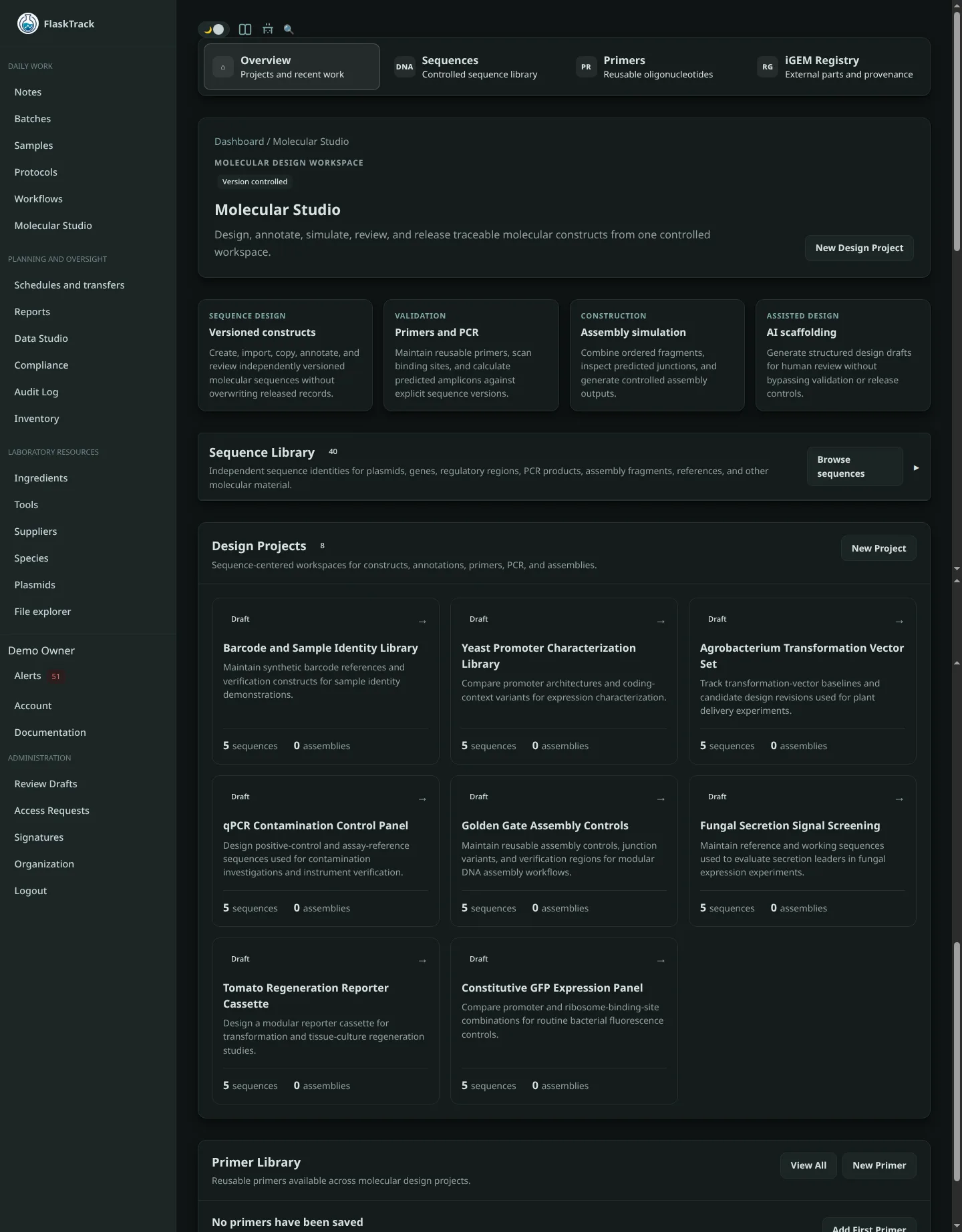
Molecular Studio is FlaskTrack's controlled workspace for molecular design. It is where your team can create or import sequences, manage versions, annotate features, design primers, run in-silico PCR, build assemblies, review changes, and release approved molecular records into the operational catalog.
The key idea is simple:
Design work in Molecular Studio
        ↓
Review and approval
        ↓
Released catalog record
        ↓
Protocols, workflows, samples, batches, and inventory
Molecular Studio keeps experimental design work separate from the operational catalog. Draft work can change as your design evolves. Released catalog records remain stable and traceable.
What you can do
From Molecular Studio you can:
- create a molecular design project;
- create, import, or copy sequences;
- maintain sequence history instead of overwriting prior work;
- annotate biological features such as promoters, coding sequences, markers, and origins;
- create and reuse primers;
- scan primer binding sites;
- run in-silico PCR;
- design and simulate assemblies;
- use an AI provider to scaffold a draft design;
- review and approve molecular output;
- publish an approved plasmid sequence into the catalog;
- associate published plasmids with transformation strains;
- use released plasmids in protocols.
Start here
If this is your first time using Molecular Studio, follow Getting started.
If you already know what you want to do:
- Projects
- Sequences and versions
- Features and annotations
- Primers and in-silico PCR
- Assemblies
- AI-assisted scaffolding
- Review, approval, and release
- Catalog integration
- Species and transformation strains
- Using a plasmid in a protocol
- Glossary
Important
AI-generated designs are drafts. They do not establish biological validity, experimental success, verification, approval, or regulatory suitability.