Use a plasmid in a protocol
Protocols should use operational catalog plasmids, not draft Molecular Studio material.
1. Release the plasmid sequence
Complete the Molecular Studio review and release workflow first.
Confirm the plasmid catalog shows the intended released sequence.
2. Open or create a protocol
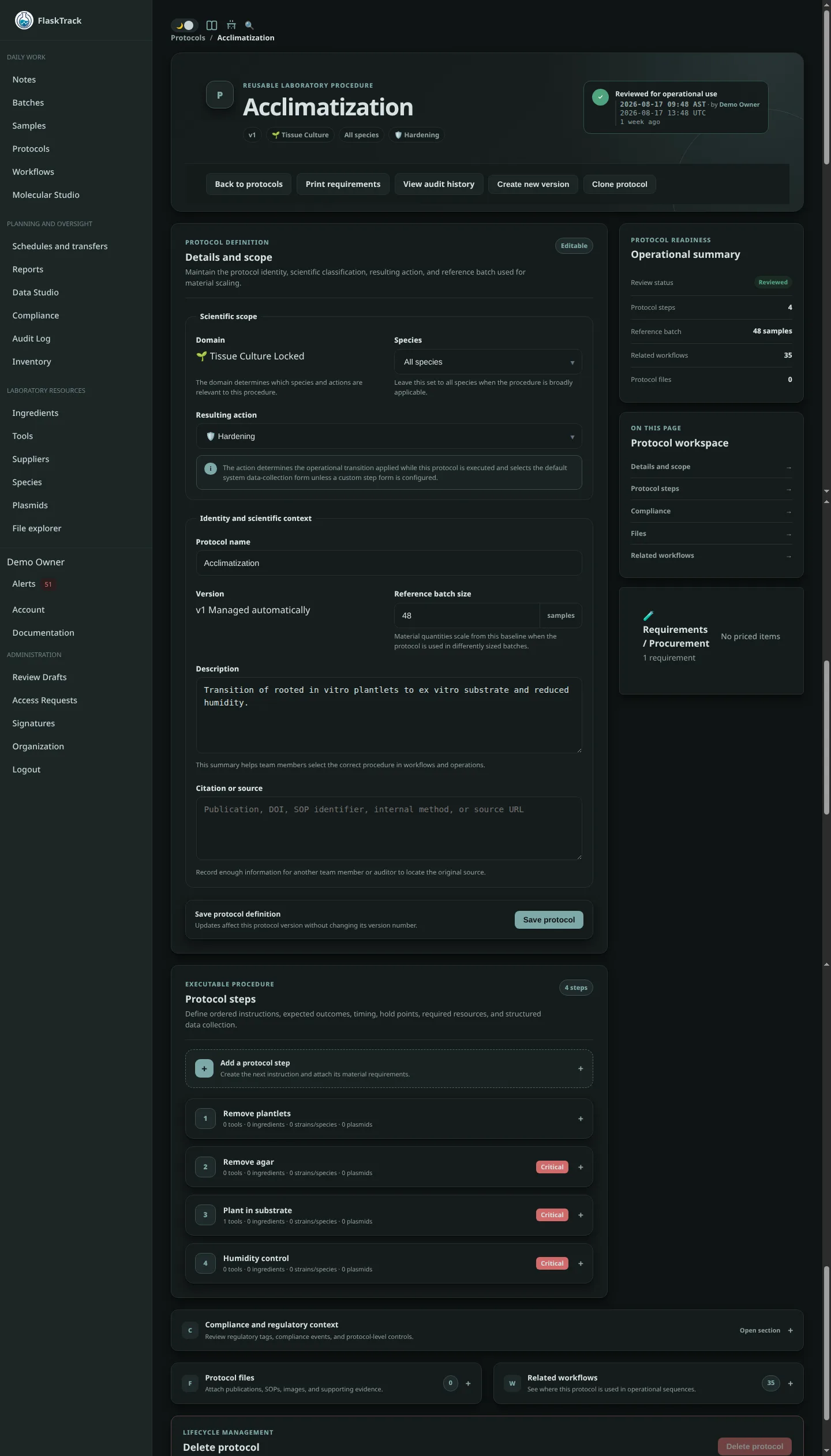
Navigate to the relevant protocol and edit the step that requires the plasmid.
3. Add the plasmid resource
Add a plasmid to the protocol step and select the released catalog plasmid.
The protocol now references the stable catalog identity rather than a transient design draft.
4. Review the protocol version
Confirm the plasmid is associated with the correct protocol step and that the protocol version is ready for use.
5. Execute through normal laboratory workflows
When the protocol is used by downstream workflows, samples, or batches, FlaskTrack can retain traceability between the protocol, plasmid catalog record, released molecular sequence, project and release provenance, and downstream execution records.