Digital Lab Assistant
FlaskTrack's Digital Lab Assistant helps you work with laboratory information and prepare controlled actions without bypassing the platform's normal permissions, validation, review, or compliance controls.
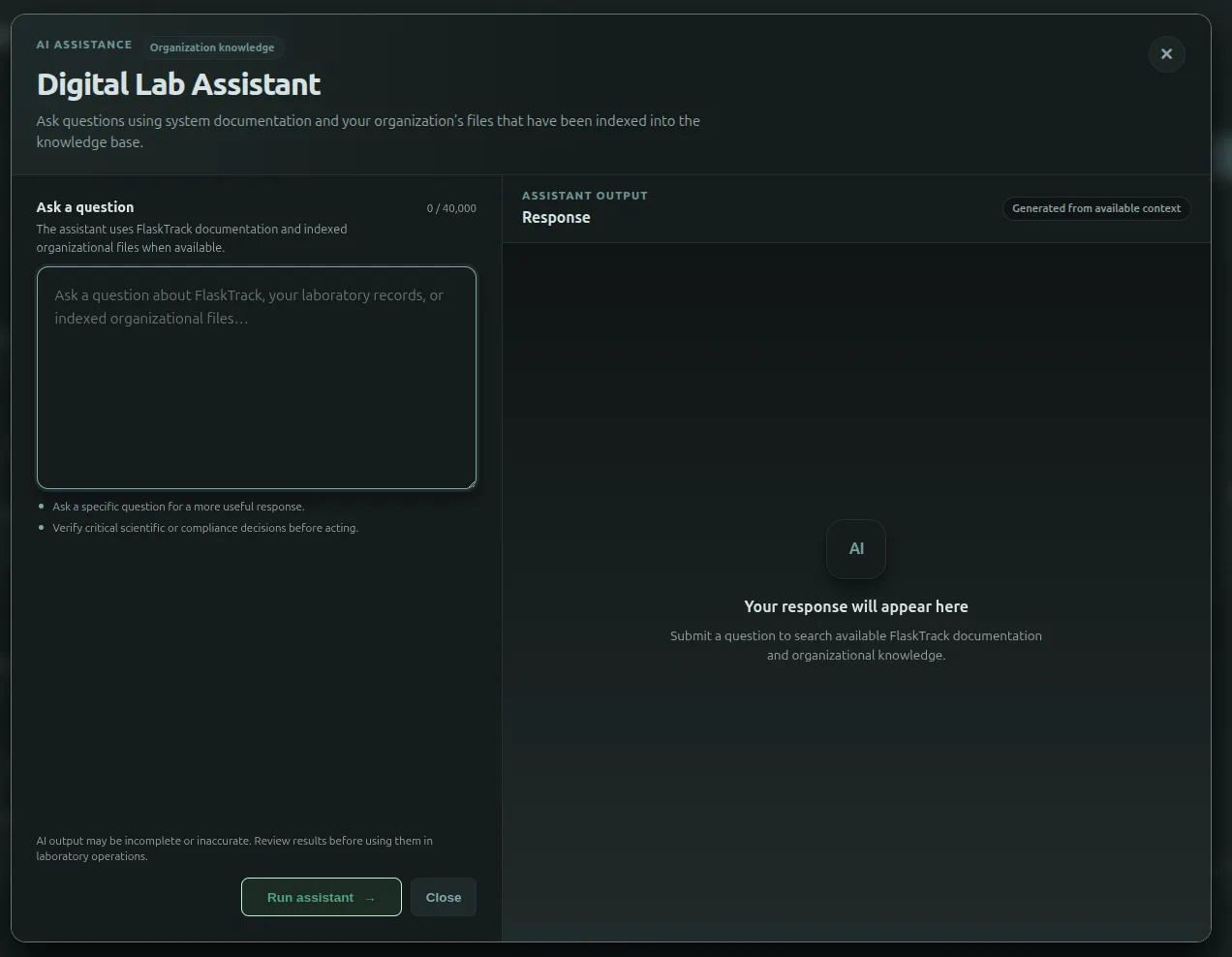
The assistant supports two related modes:
-
Ask questions
Ask about FlaskTrack, organization knowledge, and permitted laboratory records.
The assistant can use available documentation, indexed organizational content, and supported live FlaskTrack context to help answer the question.
-
Prepare actions
Describe what you want FlaskTrack to do in normal language.
FlaskTrack can discover the relevant records, prepare a typed action plan, show the proposed operations, and wait for your approval before execution.
Ask questions
Use the assistant for questions such as:
The exact information available to the assistant depends on your role, organization, enabled modules, provider configuration, and the records available to your account.
Prepare an action plan
Use action planning when you want FlaskTrack to perform one or more supported operations.
Example:
Create a workflow using the multiplication and rooting protocols, then create a batch for 24 Musa acuminata samples.
FlaskTrack can:
- identify the relevant record types;
- search permitted FlaskTrack data for matching records;
- ask for clarification when a real choice or missing human-entered value remains;
- prepare a concrete plan;
- show each proposed action before execution;
- wait for approval;
- execute the approved steps in order;
- report the result of each step.
Nothing in a proposed action plan is executed merely because the AI suggested it.
FlaskTrack understands record types
Laboratory records are not interchangeable just because they use UUIDs.
For example:
| Record | Meaning |
|---|---|
| Protocol | One reusable laboratory procedure. |
| Workflow | An ordered collection of protocols. |
| Batch | An execution of a workflow for grouped work. |
| Sample | An individually tracked experimental or biological entity. |
| Species | A biological catalog record. |
| Tool | Equipment, apparatus, or operational resource. |
| Ingredient | A material or reagent. |
| Plasmid | A plasmid catalog record. |
The assistant resolves typed FlaskTrack records before using them in an action. A Protocol ID is not accepted as a Workflow ID merely because both are syntactically valid UUIDs.
Clarification instead of guessing
When several records match your request, FlaskTrack may ask you to choose from the available records.
For example:
If more than one relevant rooting protocol exists, the assistant can present the matching records rather than choosing one arbitrarily.
You should not normally need to type internal FlaskTrack UUIDs. Existing records should be resolved through FlaskTrack, and records created by an earlier step in the same plan are linked automatically.
Learn about clarification and record selection
Multi-step requests
A later action can depend on a record created by an earlier action.
For example:
Conceptually:
flowchart LR
    A[Create workflow] --> B[New workflow ID]
    B --> C[Create batch]
FlaskTrack carries the newly created record forward during execution. You do not need to know the future Workflow UUID.
Review remains your responsibility
AI can misunderstand intent, select an unintended record, or generate scientifically unsuitable content.
Before approving a plan, review:
- the records being created or changed;
- protocol and workflow selections;
- quantities;
- dates and scheduling;
- species and catalog selections;
- explanations for each action;
- any compliance-sensitive operation.
AI output is assistive. Authorized users remain responsible for scientific, operational, and compliance decisions.
Permissions and compliance still apply
The assistant does not bypass:
- organization boundaries;
- role and permission checks;
- tool input validation;
- lifecycle and state-transition rules;
- approval requirements;
- compliance controls;
- electronic-signature requirements.
A plan that cannot be executed safely should fail rather than silently substitute another record or guessed value.