Instrument runs, mapping, and review
An Instrument Run is the structured scientific result produced from an ingestion.
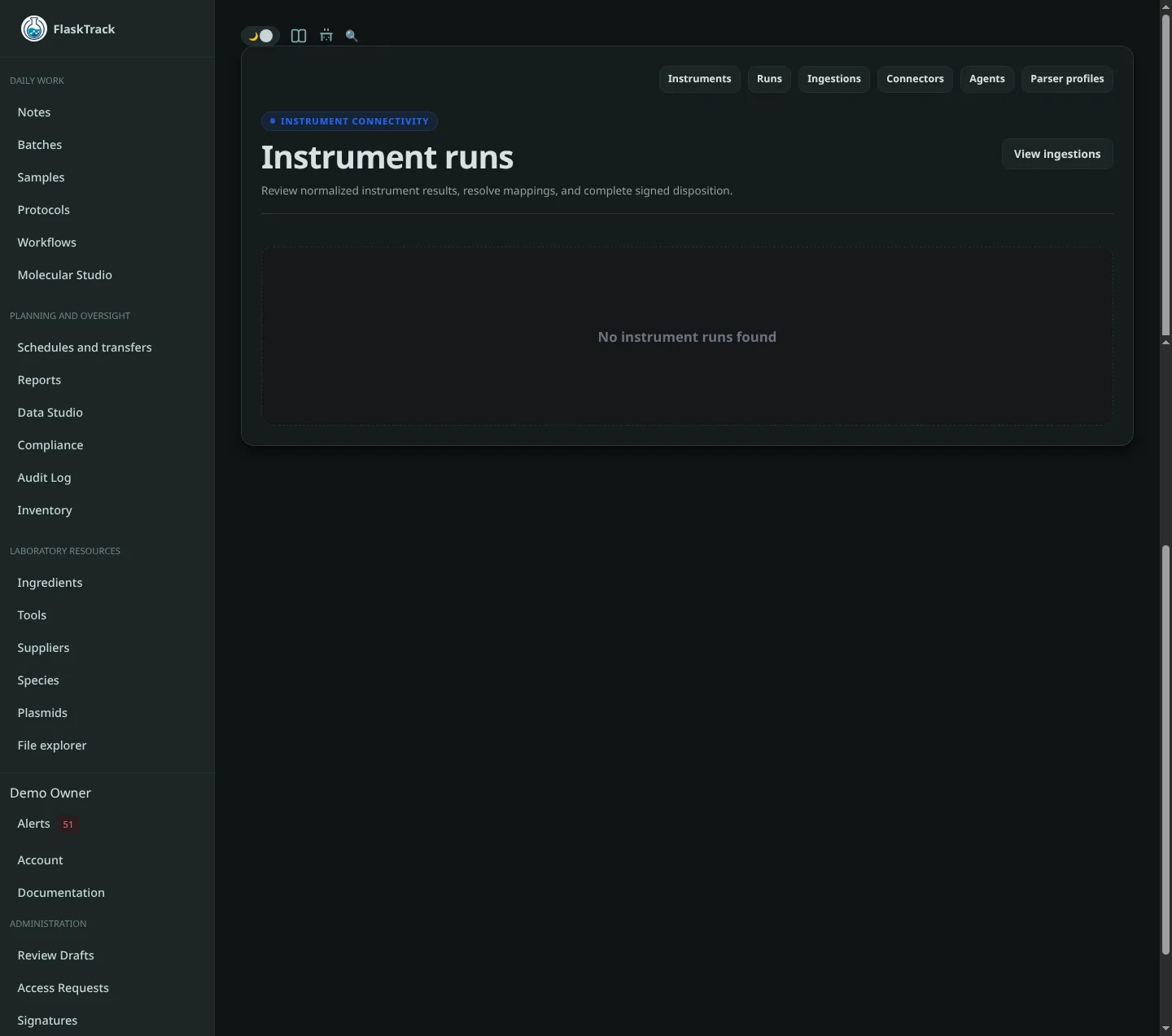
A run may contain instrument metadata, source positions, measurements, and other observations extracted from the source artifact.
Run states
FlaskTrack defines these instrument run states:
| Status | Meaning |
|---|---|
| Pending | A run exists but has not started processing. |
| Queued | The run is waiting to execute or process. |
| Running | The instrument or integration reports active execution. |
| Completed | Execution completed before import or parsing. |
| Failed | Execution failed. |
| Cancelled | Execution was cancelled. |
| Imported | The run was imported into FlaskTrack. |
| Parsed | FlaskTrack successfully parsed the run. |
| Mapping required | One or more source positions need mapping. |
| Ready for review | Mapping is complete and review has started. |
| Accepted | The run was accepted during controlled review. |
| Rejected | The run was rejected during controlled review. |
Positions
A run can contain positions such as:
- plate wells;
- tube or rack positions;
- instrument channels;
- source sample identifiers;
- other parser-defined positions.
Position data may include:
Why mapping is required
Instrument software often knows a source identifier but does not know the UUID of the controlled FlaskTrack record.
For example, the source file may contain:
while FlaskTrack stores the corresponding Sample as a controlled database record.
FlaskTrack therefore separates source identity from confirmed mapping.
Mapping a position
When the run is Parsed or Mapping required, open the run and locate Position mapping.
For each position:
- select a mapping target type;
- search for the FlaskTrack record;
- select the correct result from the search list;
- save the mapping.
Search results are organization-scoped. Selecting a target is not the same as entering an arbitrary UUID; FlaskTrack validates that the selected record exists as the requested target type in your organization.
Mapping target types
The instrument model supports mappings to:
- Sample;
- Batch;
- Inventory Lot;
- Plate;
- Plate Well;
- Protocol Step Run;
- Batch Step Run;
- Molecular Sequence;
- Unmapped.
The exact target types available in the picker depend on which FlaskTrack entity types are enabled and searchable in your current deployment. Plate and Plate Well selection may remain unavailable until the corresponding plate/container inventory entities are enabled.
Source-assisted searching
When an instrument position contains a source sample identifier, FlaskTrack can use that value to prefill or prioritize a Sample search.
An exact match is a useful signal, but the mapping still requires an explicit operator selection. FlaskTrack does not treat a matching string as sufficient evidence to silently create a controlled association.
Marking a position unmapped
Use Mark unmapped when the source position intentionally has no corresponding controlled FlaskTrack entity.
An explicit Unmapped state is different from simply leaving a required mapping incomplete.
Mapping progress
The run page shows mapping progress, for example:
Complete the required mappings before submitting the run for review.
Mapping lock
Mapping changes are allowed while the run is:
- Parsed;
- Mapping required.
After the run enters Ready for review, mappings are locked. Accepted and Rejected runs remain review-locked.
This prevents an underlying source-to-record association from changing after controlled review has begun.
Submit for review
When required mapping is complete, use Submit for review.
FlaskTrack verifies the mapping state on the server before changing the run status. A disabled button in the interface is only a convenience; the server remains authoritative.
Accepting a run
A run in Ready for review can be accepted using the configured electronic-signature process.
The signature authorization is bound to the run and its controlled decision payload so it cannot be reused for another run or a changed decision.
After acceptance, the run enters Accepted and is review-locked.
Rejecting a run
A reviewer can reject a run and provide a rejection reason.
The rejection reason is part of the controlled signature payload. If the reason changes after authorization, a new valid signature authorization is required.
After rejection, the run enters Rejected and remains review-locked.
Reprocessing a controlled run
Parser reprocessing is intentionally restricted once a run has been mapped or entered review. Do not expect a new parser output to silently overwrite controlled mappings or a reviewed execution record.
If a reviewed run genuinely needs correction, follow your organization's controlled correction, deviation, or reprocessing procedure rather than attempting to replace the existing run indirectly.
Observations
A run can contain observations with values such as:
- numeric;
- text;
- boolean;
- timestamp;
- structured JSON.
Depending on the parser, observations may also include:
- units;
- measurement types;
- wavelengths;
- excitation and emission values;
- channels;
- sequence order;
- measurement timestamps;
- quality state;
- source references.
Always compare unexpected parsed values against the preserved ingestion artifact before accepting a run.