Two-factor authentication
FlaskTrack supports time-based one-time password authentication (TOTP). A compatible authenticator app generates a rotating code after password verification.
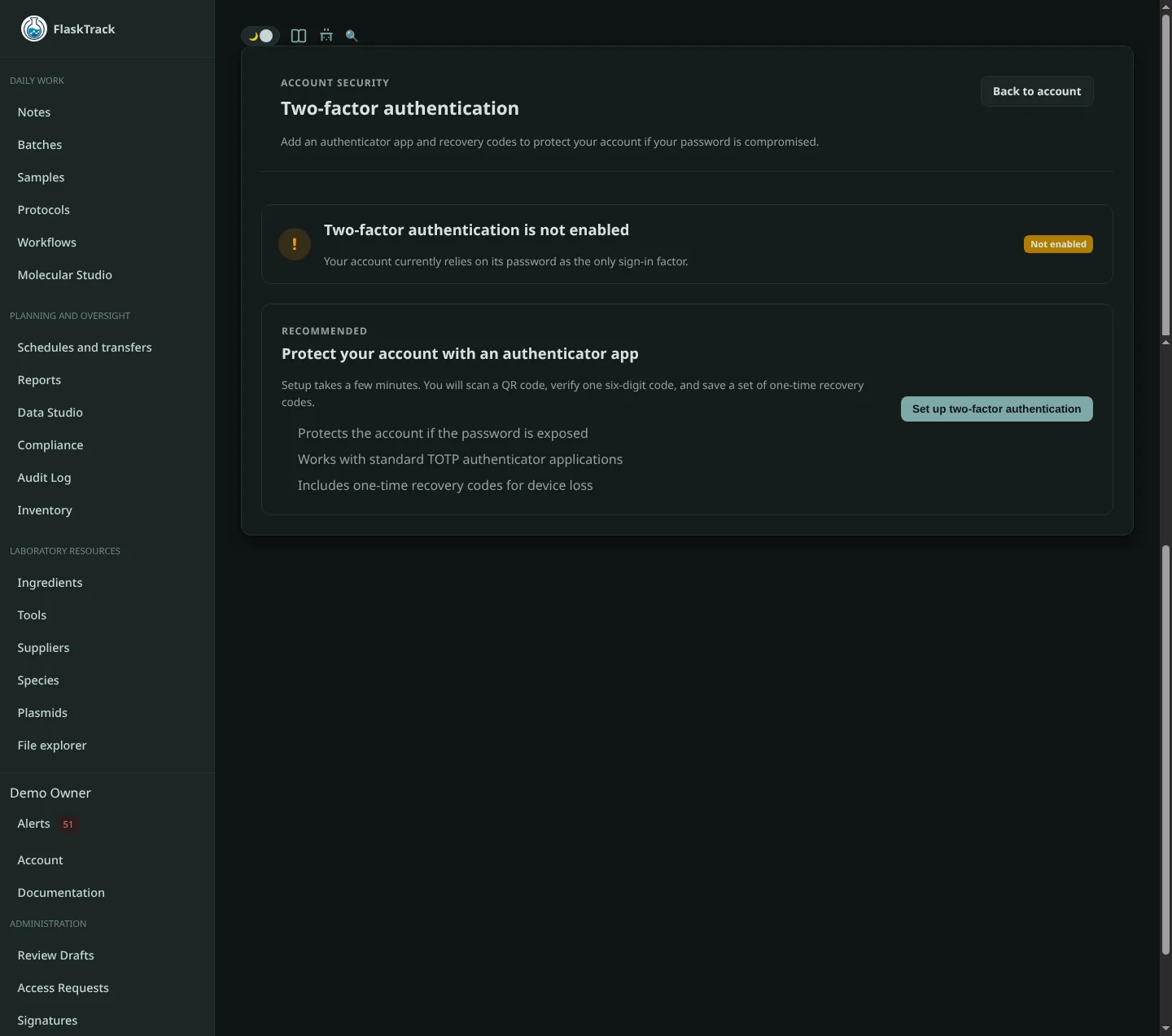
Enable two-factor authentication
- Open Account settings and select Set up two-factor authentication.
- Scan the QR code with an authenticator app, or enter the displayed setup key manually.
- Enter the current verification code.
- Save the recovery codes in an approved secure location.
- Sign out and complete a fresh sign-in test.
Sign in with two factors
After entering your password, enter the current code from your authenticator. Codes expire quickly; verify the device clock when a valid-looking code is rejected.
Recovery codes
Each recovery code is intended for one-time use. After using a recovery code, review your account and regenerate codes when the product offers that action.
Disable or reset two-factor authentication
Disabling two-factor authentication is a security-sensitive action and may require password confirmation, a current code, or administrative recovery. Record the reason according to organizational policy.