Inventory locations
Locations identify where physical lots are stored, such as a site, room, freezer, refrigerator, cabinet, shelf, or bin.
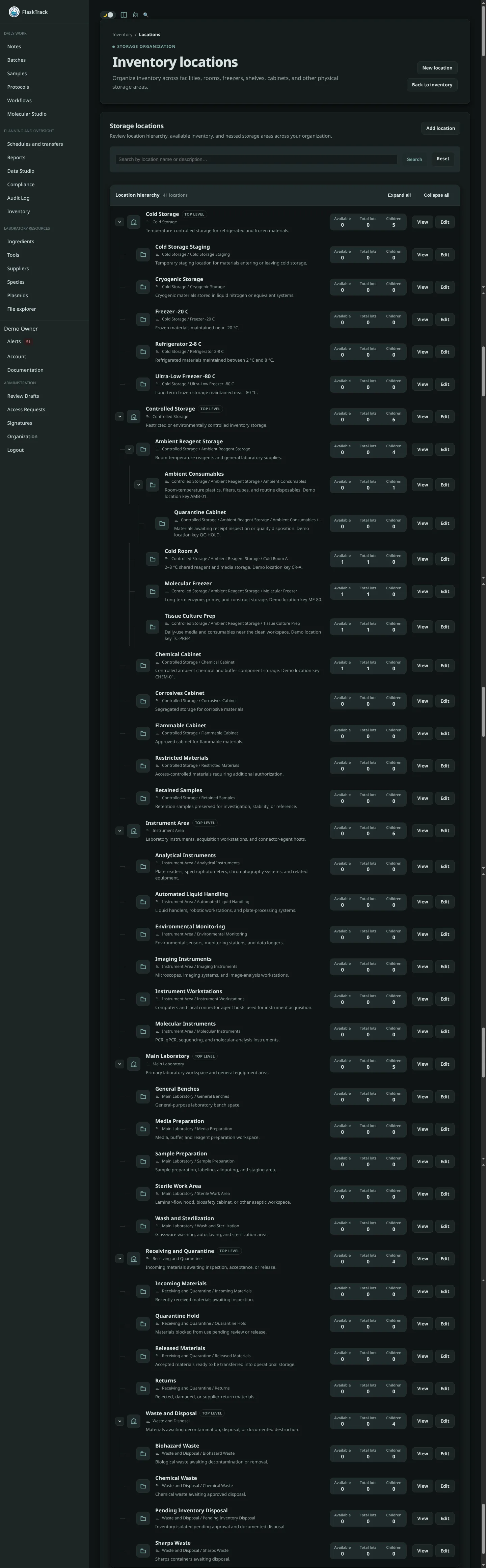
Create a location
Use a stable, human-readable name and include enough hierarchy to avoid ambiguity. Examples:
Move or receive inventory
Select the destination location when receiving purchases or creating lots. Use supported adjustments or transfers when stock moves; do not rewrite historical receiving information to represent a later move.
Delete or retire a location
A location with active lots or historical dependencies may not be deletable. Move remaining stock, preserve history, and retire the location according to organization procedure.
Good practice
- Label physical storage consistently with FlaskTrack.
- Avoid personal names or temporary descriptions.
- Review unassigned lots.
- Restrict access to controlled or quarantined locations.