Procurement planning
Procurement compares protocol requirements with available inventory and configured supplier items.
Readiness states
| State | Meaning |
|---|---|
| Inventory ready | Available stock covers the calculated requirement. |
| Shortfall | Some required quantity is not available. |
| Supplier configuration required | A required catalog item has no usable supplier item. |
| No priced item | Supplier options exist but cannot support an automatic cost calculation. |
Batch and sample procurement
Open procurement from the relevant batch or sample to review requirements, available stock, shortfalls, supplier choices, package sizes, and proposed purchase quantities.
The calculated purchase quantity may be rounded up to whole supplier packages. Verify unit conversions, concentration effects, waste assumptions, and lead time before creating an order.
Purchase workflow
- Confirm catalog and supplier-item mappings.
- Review calculated quantity and selected supplier.
- Create the purchase or purchase order record.
- Update status as ordering progresses.
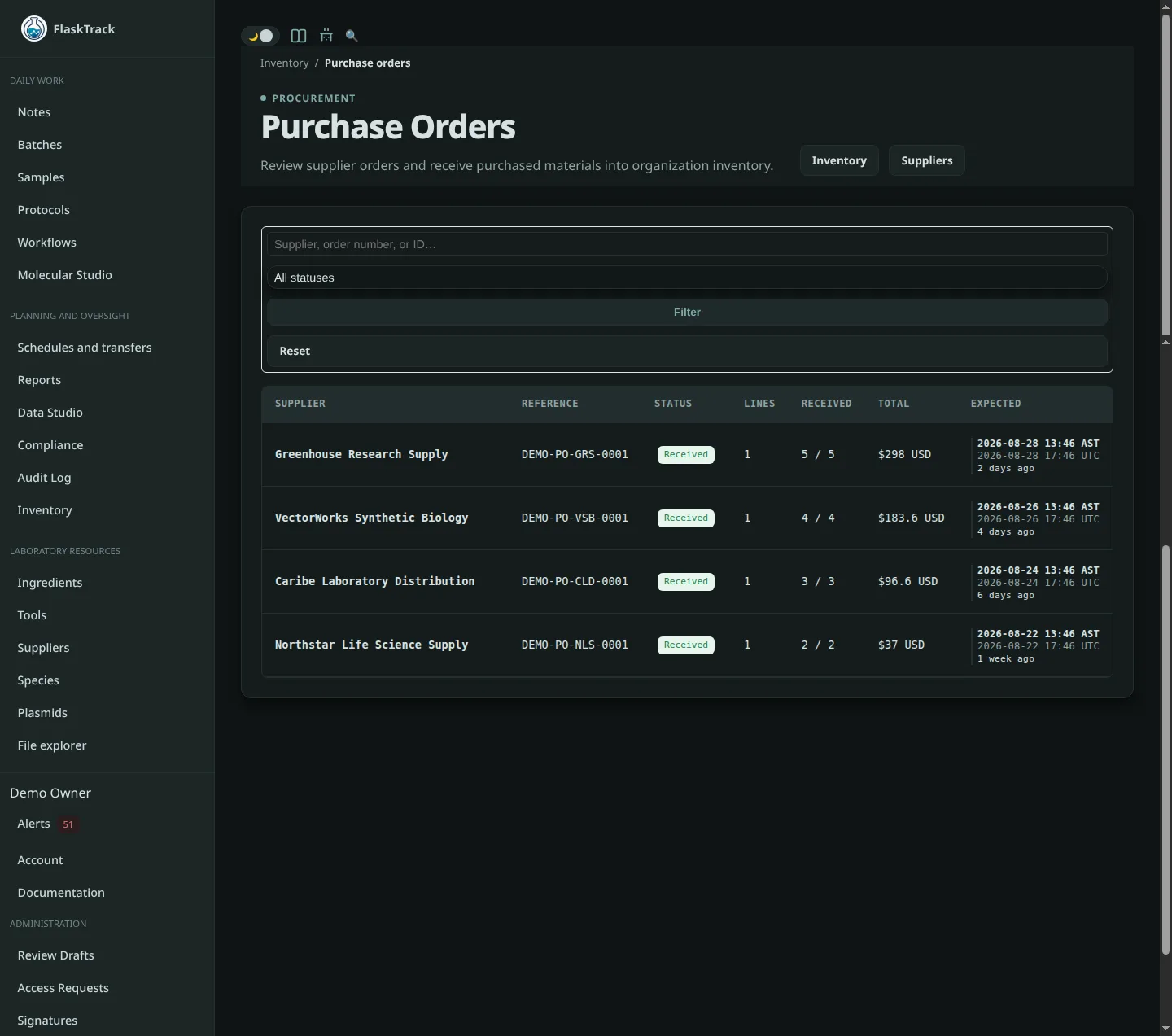
- Receive delivered quantities into inventory lots.
- Assign receiving location, lot identifiers, expiration, and notes.
- Record discrepancies or quarantined material according to procedure.
Limitations
Procurement readiness depends on configuration quality. A green status does not confirm supplier availability, shipping time, material suitability, or approval to purchase.