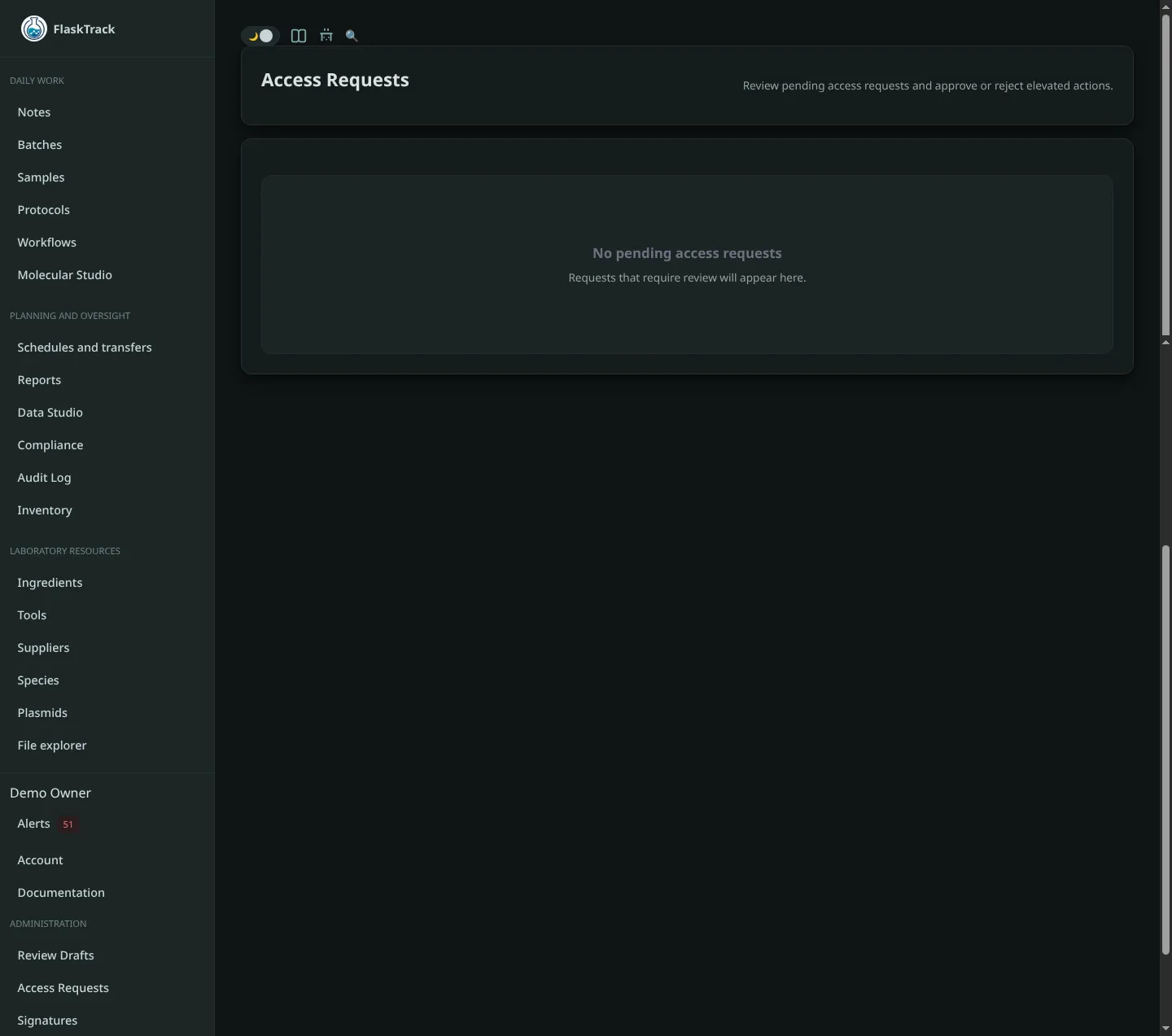
Access Requests
Access Requests allow users to request permission to perform restricted actions within FlaskTrack. This workflow provides accountability, oversight, and documented approval when a user needs authorization to complete a protocol step, workflow task, review action, or other controlled activity.
Overview
Certain actions within FlaskTrack may require elevated permissions, supervisory approval, or additional review before they can be completed. When a user encounters a restricted action, they can submit an Access Request directly from the affected page.
Administrators and authorized reviewers can then evaluate the request and either approve or deny access.
All requests and decisions are recorded as part of the platform's audit trail.
When Access Requests Are Used
Access Requests may be used for:
- Completing restricted protocol steps
- Performing critical workflow actions
- Executing regulated procedures
- Accessing protected records or data
- Performing review or approval activities
- Temporarily elevating permissions for a specific task
- Compliance-driven authorization requirements
Requesting Access
When a restricted action is encountered:
- Navigate to the workflow, batch, sample, protocol, or record.
- Attempt the restricted action.
- Select Request Access.
- Provide a justification describing why access is required.
- Submit the request.
Once submitted, the request enters a pending review state.
The requester can continue monitoring the request status from the Access Requests page.
Reviewing Access Requests
Users with appropriate administrative or review permissions can manage incoming requests.
To review a request:
- Open Access Requests.
- Select the pending request.
-
Review:
-
Requesting user
- Requested action
- Related entity
- Submitted justification
- Request timestamp
-
Choose either:
-
Approve
- Deny
The decision is immediately recorded and made visible to the requester.
Approving Requests
When an access request is approved:
- The user receives authorization for the requested action.
- The approval decision is recorded.
- The approving user is recorded.
- Approval timestamps are preserved.
- The requester may proceed with the authorized action.
Depending on system configuration, access may be:
- Limited to a specific action
- Limited to a specific entity
- Time-restricted
- Revocable by administrators
Denying Requests
When an access request is denied:
- The requested action remains unavailable.
- The denial is recorded in the audit trail.
- The reviewer may provide an explanation.
- The requester is notified of the decision.
Denied requests remain visible for historical and compliance purposes.
Audit Trail
Every access request includes:
- Requesting user
- Requested permission or action
- Related entity
- Justification provided
- Submission timestamp
- Review decision
- Reviewing user
- Review timestamp
- Approval or denial notes
This creates a complete record of authorization activity for audits, investigations, and compliance reviews.
Compliance Benefits
Access Requests help organizations:
- Enforce separation of duties
- Control access to regulated procedures
- Document approval decisions
- Demonstrate procedural oversight
- Support GMP, GLP, ISO, and internal compliance requirements
- Maintain traceability of restricted actions
Best Practices
- Require meaningful justifications for all requests.
- Review requests promptly to avoid workflow delays.
- Grant only the minimum access necessary.
- Periodically review historical requests for trends and recurring permission needs.
- Use approval notes to document decision rationale.
- Include access request reviews as part of regular compliance audits.