Understand verification results
FlaskTrack reports how the normalized local sequence relates to the sequence published by the iGEM Registry.
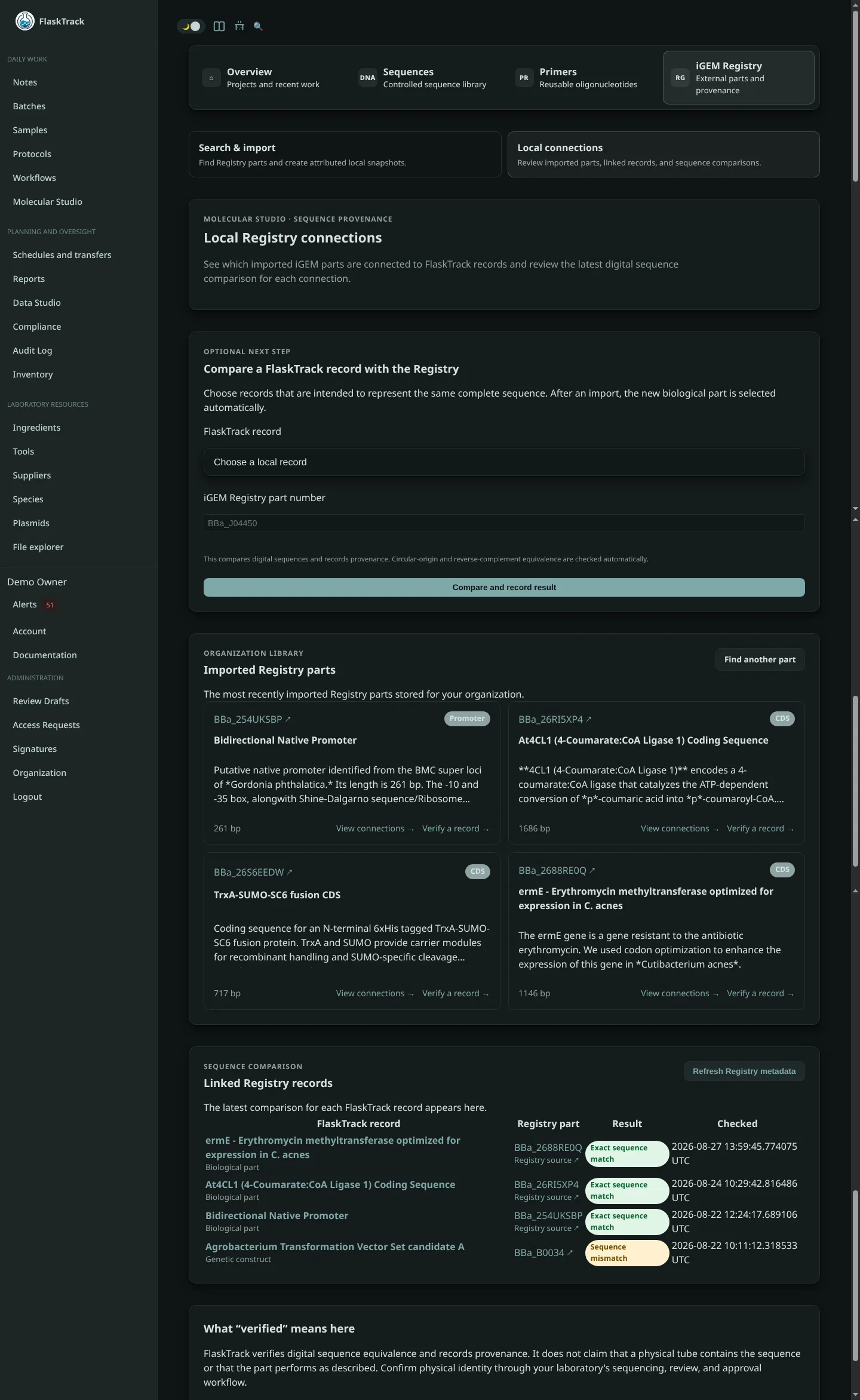
Result definitions
| Result | Meaning | Recommended action |
|---|---|---|
| Exact sequence match | Both normalized sequences contain the same bases in the same order. | Confirm physical identity through your laboratory's normal verification process. |
| Reverse-complement match | The local sequence is the reverse complement of the Registry sequence. | Confirm that the orientation is expected for the record and downstream use. |
| Circular rotation match | Circular sequences are equivalent but use different origin coordinates. This can also include reverse-complemented circular orientation. | Confirm that the record is circular and that the coordinate convention is acceptable. |
| Sequence mismatch | The sequences are not equivalent under the supported comparison rules. | Review versions, part number, edits, assembly boundaries, and physical sequencing evidence. |
| Local sequence missing | The selected FlaskTrack record does not have an available sequence. | Add or release the appropriate sequence, then run verification again. |
| Registry sequence missing | The Registry record does not publish a DNA sequence. | Review the Registry source pages and use another authoritative sequence source if appropriate. |
Sequence digests
FlaskTrack calculates SHA-256 digests from normalized DNA. The digest provides a compact way to identify the exact sequence used during a comparison.
Two identical SHA-256 values indicate identical normalized sequence text. A reverse-complement or circular-origin match can have different direct digests, so the named verification result remains important.
Why equal length is not enough
Sequences with the same length can still differ at one or more bases. FlaskTrack compares the full normalized sequence, not only its length, GC content, title, or Registry part number.
Respond to a mismatch
When FlaskTrack reports Sequence mismatch:
- Confirm that you selected the correct local record and Registry part.
- Check whether the local record is a working design, current construct, or released plasmid snapshot.
- Compare sequence lengths.
- Review recent version history, assembly operations, and intentionally added adapters, scars, linkers, tags, or backbone sequence.
- Inspect the complete sequences in Molecular Studio and the Registry.
- Record the reason when the difference is intentional.
- Obtain laboratory sequencing evidence when physical identity matters.
Tip
A composite construct may intentionally contain a Registry part plus additional sequence. Comparing the entire construct with a basic part will correctly produce a mismatch. Compare records that are intended to represent the same complete sequence.
What a match establishes
A match establishes digital sequence equivalence under FlaskTrack's comparison rules at the time recorded. It does not establish:
- ownership, availability, or location of physical material;
- sample or strain identity;
- expression or biological activity;
- fitness for a particular host or procedure;
- safety; or
- regulatory acceptance.