External AI agents and MCP tool calling
FlaskTrack can expose a machine-readable tool interface for approved external AI agents and automation systems.
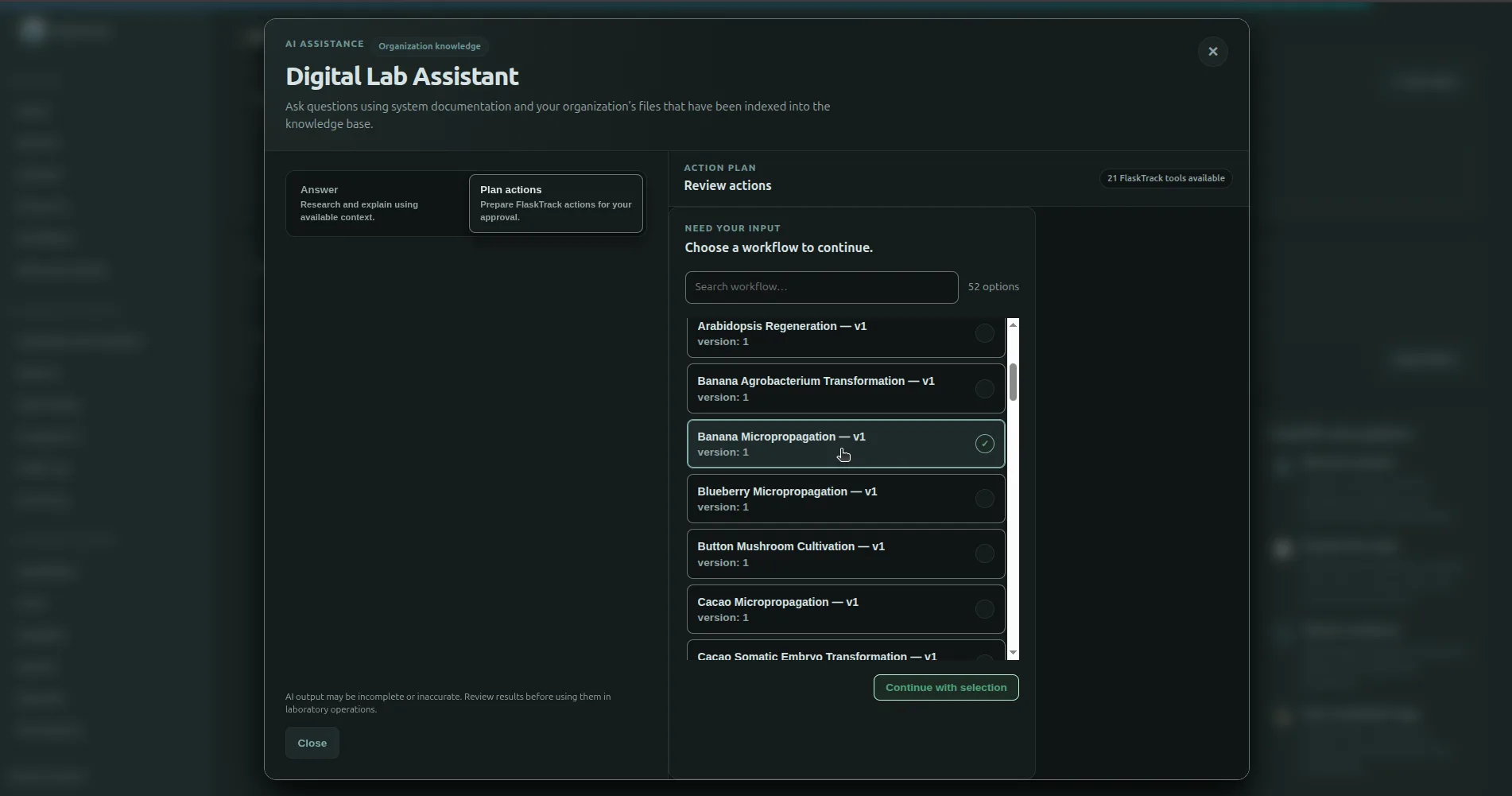
This feature is different from the built-in Digital Lab Assistant:
| Built-in assistant | External agent |
|---|---|
| FlaskTrack prepares and stores the plan. | Your integration owns the agent loop. |
| Multi-step plans can be reviewed before execution. | Direct calls are normally executed one concrete tool at a time. |
| FlaskTrack can link later plan steps to records created earlier in the same plan. | Your integration should use the concrete result of one completed call as input to the next. |
| Uses the current FlaskTrack user's permissions. | Uses the permissions associated with the API/service-user credentials. |
Not the Instrument Agent
The AI-agent interface is separate from the FlaskTrack Instrument Agent, which connects laboratory instruments, local files, and local vendor APIs to FlaskTrack.
What external agents can do
Depending on the deployed release, enabled modules, and the authenticated principal, an agent can discover registered operations for areas such as:
- protocols and workflows;
- batches and samples;
- catalog records;
- reports;
- execution actions;
- organization data;
- other registered FlaskTrack modules.
The exact tool surface is deployment-specific and can change between releases.
Authentication
External agents authenticate with organization-scoped credentials.
API-key integrations use:
Create a dedicated integration identity where possible and grant only the permissions required for that integration.
Never put API keys into:
- prompts;
- model context;
- browser-side JavaScript;
- screenshots;
- source control;
- public logs.
Discovery endpoints
FlaskTrack can expose the following agent-discovery resources:
| Method | Endpoint | Purpose |
|---|---|---|
GET |
/agents.md |
Compact machine-readable integration guidance. |
GET |
/.well-known/flasktrack-agent |
Agent manifest and discovery URLs. |
GET |
/mcp/capabilities |
Runtime capability flags. |
GET |
/mcp/tools |
Registered tools and machine-readable schemas. |
GET |
/mcp/routes |
Registered MCP-backed route metadata. |
POST |
/mcp/prepare |
Validate and preview a tool call without executing it. |
POST |
/mcp/call |
Execute one registered tool. |
Use runtime discovery instead of hard-coding the entire tool catalog.
Recommended direct-agent flow
flowchart TD
    A[Discover tool registry] --> B[Use read tools to identify records]
    B --> C[Resolve exact typed inputs]
    C --> D[Prepare or validate the call]
    D --> E[Apply your approval policy]
    E --> F[Execute concrete tool call]
    F --> G[Inspect structured result]
    G --> H{More work?}
    H -- Yes --> B
    H -- No --> I[Finish]
Typed record identity
FlaskTrack exposes semantic record metadata for tool inputs.
This matters because UUIDs are not interchangeable.
For example:
An agent must not place a Protocol UUID into a Workflow field merely because the value parses as a UUID.
Search or retrieve the required record type first.
Multi-step direct automation
When a direct external agent needs to create one record and then use it in another call, execute sequentially.
Example:
Do not send a placeholder such as:
Do not send the built-in planner's deferred dependency object directly to /mcp/call.
That dependency representation belongs to FlaskTrack's server-managed AI action-plan flow. A direct external agent already has the opportunity to read the completed first call and use its concrete result in the second.
Prepare before execution
POST /mcp/prepare can validate and render a registered tool request without executing the underlying action.
This can be useful for:
- a human confirmation screen;
- integration policy checks;
- debugging schema mismatches;
- inspecting the registered method, route, and request body.
Preparation does not authorize or execute the operation.
Approval metadata is not permission
A tool can advertise that it is mutating or requires a particular approval level.
Your integration should use this metadata to determine when additional confirmation is appropriate.
The metadata does not grant permission. FlaskTrack authorization and compliance checks remain server-enforced.
Handle failures as authoritative
Agents should surface and stop on failures such as:
- unauthorized;
- forbidden;
- validation failure;
- conflict;
- compliance blocked;
- signature required;
- rate limited.
Do not transform a failure into a different operation intended to evade the control.
Production integration checklist
Before enabling an external agent against production:
- use a dedicated API key or service user;
- limit permissions;
- discover tools from the target deployment;
- test in a non-production organization;
- keep secrets outside model-visible context;
- resolve typed record identity before mutation;
- apply explicit approval policy for high-impact actions;
- use idempotency where the target operation supports or requires it;
- implement timeouts and bounded retries;
- log request correlation information without secrets;
- inspect every mutation result before continuing.
Developer integration documentation
This page explains the user and administrator model.
For implementation details such as request/response contracts, tool metadata, sequential dependency handling, and client examples, use the FlaskTrack users-dev agent integration documentation that accompanies your release.